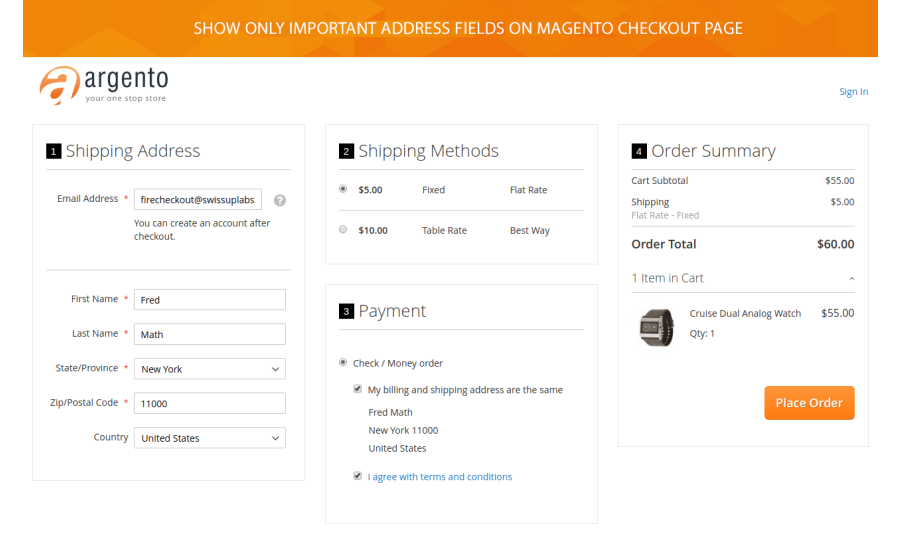
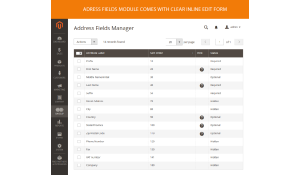
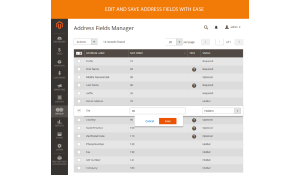
The latest checkout usability study by Baymard Institute shows that the average checkout flow contains 14.88 form fields. Too many form fields can cause a checkout page abandonment particularly while filling the address section. It would be wise to show the checkout address fields which are really important.
In order to make this process faster, you can use Magento 2 Address Fields Manager module. This is the great solution to collect the information about your customers what you actually need.
See what you can do via the extension:
- Change the checkout address fields status.
- Create custom address fields both on checkout and customer account pages.
- Easily edit address fields sort order through drag-and-drop feature.
- Set the address fields as default.
- Reduce the number of form fields both.
- Simplify a checkout process and avoid the shopping cart abandonment.
- Free installation
- Activate up to 10 times
- All extensions $79
- Approved on Magento Marketplace
Magento Open Source Compatibility
Magento Community 2.4.9, Magento Community 2.4.8, Magento Community 2.4.7, Magento Community 2.4.6, Magento Community 2.4.5, Magento Community 2.4.4
Adobe Commerce Compatibility
Adobe Commerce 2.4.9, Adobe Commerce 2.4.6, Adobe Commerce 2.4.5, Adobe Commerce 2.4.8, Adobe Commerce 2.4.7
Installation instructions and manuals
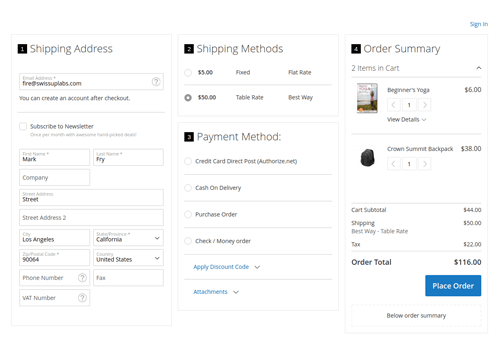
Help users to move through the checkout quickly
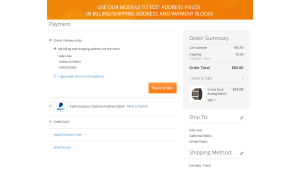
Address Field Manager module is fully compatible with the default Magento 2 checkout and Firecheckout module. It allows you to change a sort order of address fields; set field's status to optional, hidden or required; set the address field as default. That helps your customers fill out the fields the most important for submitting an order.
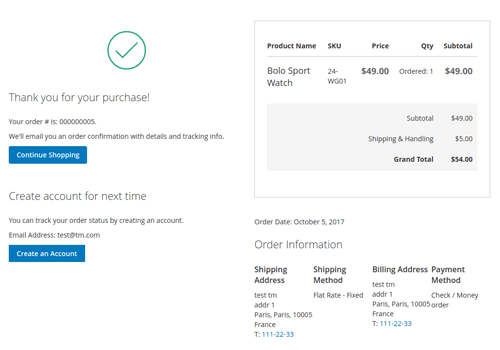
Organize the address form fields in user-friendly form
Now you can easily customize the address fields as well as to create the custom ones. Custom address fields will be automatically displayed on checkout billing and shipping address forms, and in a customer account. The module supports the following field input types: Text Field, Text Area, Date, Yes/No, Multiple Select, Dropdown.
Ensure the user less overwhelmed by forms
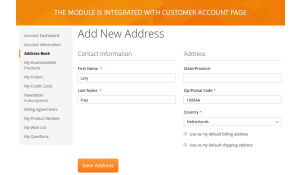
Address Fields Manager is integrated with customer account page. The module allows you to set and remove field status per website. Depending on the user potential location, for example, the USA or European Union, you can show only the address fields important for those customers.
Add custom address fields to address templates
Our module is integrated with Magento 2 customer address templates feature. You can easily show your custom address fields in billing and shipping addresses that appear on printed invoices, refunds, shipments, and in the address book of the user account.
Address fields manager 1.6.21
9th of October 2025- Fixed shipping address custom field values being copied from the default address during checkout.
Address fields manager 1.6.20
12th of June 2025- Fixed JSON config escaping issue that could break address renderer initialization.
Address fields manager 1.6.19
22nd of January 2025- Fixed incorrect value on Magento 2.4.6 (Attribute code added as prefix to the field value)
Address fields manager 1.6.17
15th of May 2024- Fixed php error when using paypal standard buttons at product page.
Address fields manager 1.6.15
24th of July 2023- Stability improvements
Address fields manager 1.6.14
26th of June 2023- Added ability to choose between "Dropdown", "Radio" or "Checkbox" display modes for "Yes/No", "Multiple Select", and "Single Select" fields.
Address fields manager 1.6.13
23rd of May 2023- Fixed inability to create custom address fields that will save its value properly. (If you have such fields, you need to open them in backend and re-save each one.)
- Fixed "Passing null is deprecated" error when multiselect is used
Address fields manager 1.6.12
12th of April 2023- BreezeFrontend integration added.
Address fields manager 1.6.9
5th of August 2022- Improved Firecheckout "Order Review" integration.
Address fields manager 1.6.8
12th of July 2022- Fixed possible error "Call to a member function getData() on null" when virtual product is used.
Write Your Own Review