
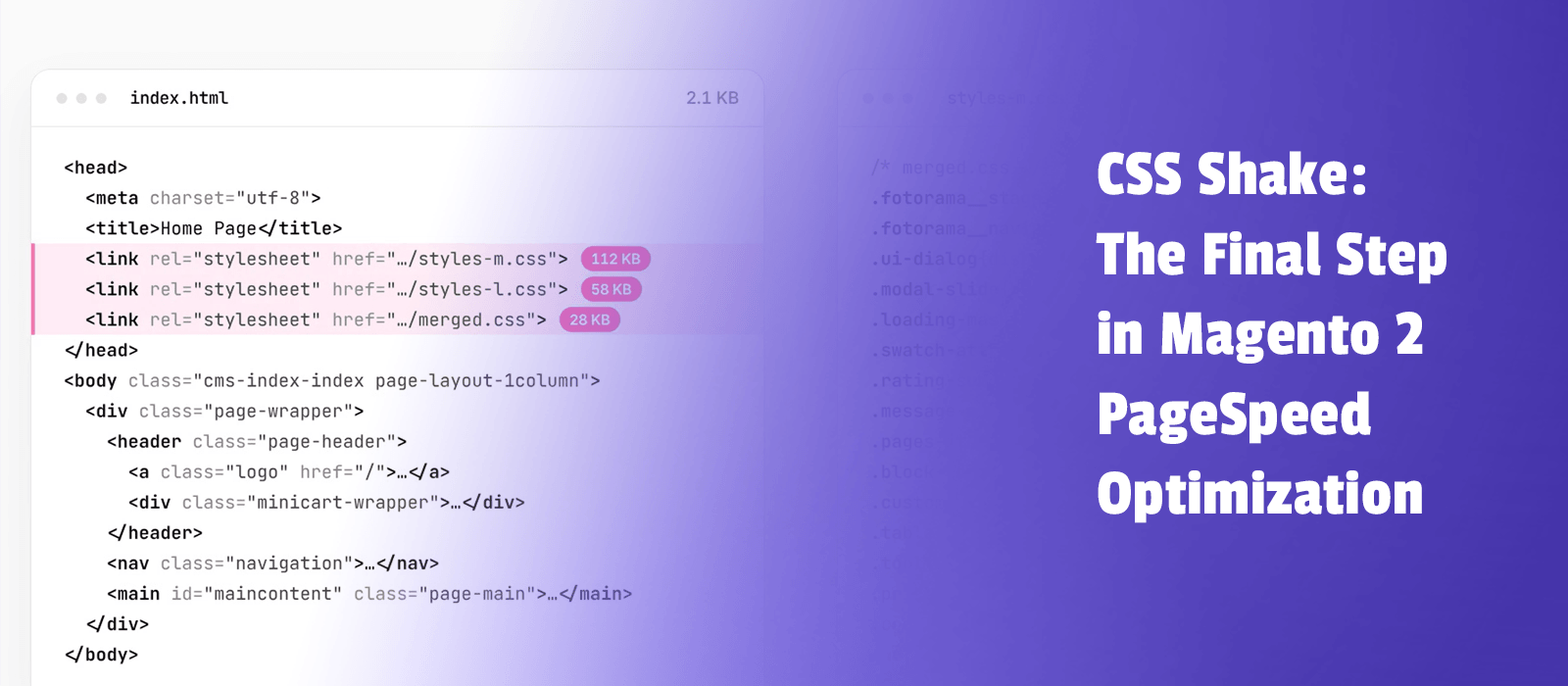
Getting a Magento 2 store to a good PageSpeed score is one thing. Pushing it from 90–95 to 98–100 can be much harder.
Once your server, JavaScript, and images are optimized, render-blocking CSS is often one of the last remaining bottlenecks.
That's exactly what our new CSS Shake extension is designed to solve.
How CSS Shake works
CSS Shake analyzes each page in real time, identifies the CSS styles it actually uses, and loads those styles first. Everything else is deferred.
This reduces render-blocking CSS without manually creating critical CSS files or rebuilding your theme's stylesheets.
When should you use CSS Shake?
CSS Shake works best when your store is already reasonably fast:
- TTFB below 600 ms — otherwise, start with server and backend optimization.
- TBT below 600 ms — otherwise, focus on JavaScript.
- Optimized and preloaded LCP element — make sure your main image loads quickly.
- More than 30 KB of CSS — smaller stylesheets may not show noticeable improvements.
For earlier optimization steps, we recommend our Magento 2 Page Speed extension.
Small optimization, impressive results
Our test results show that CSS Shake can improve LCP even on already optimized Breeze and Hyvä storefronts.
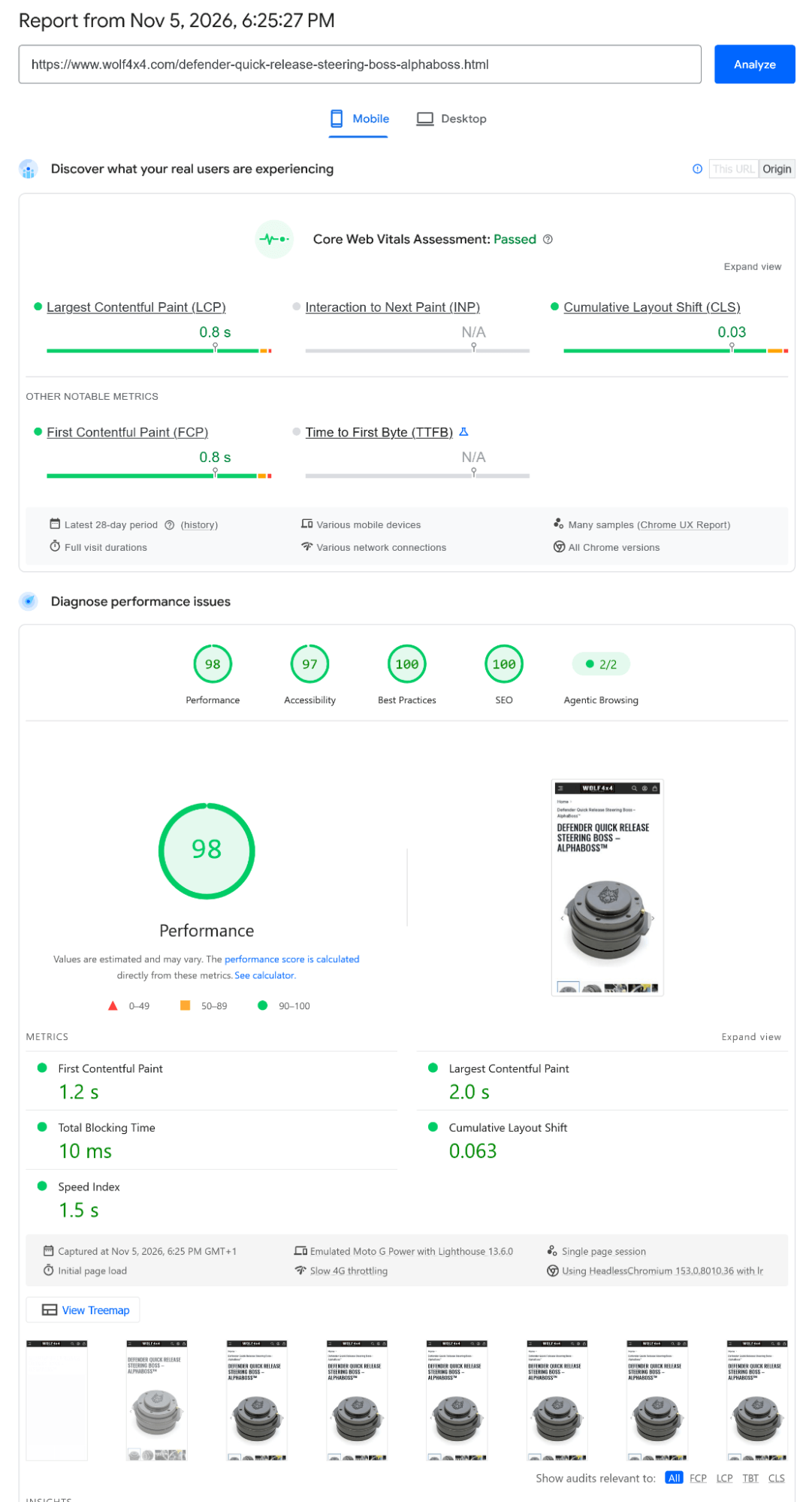
As an example of a highly optimized Magento store, Wolf4x4 achieves a mobile PageSpeed score of 98, with a 2.0-second LCP and just 10 ms Total Blocking Time. These results reflect the store's overall optimization, not CSS Shake alone.
CSS Shake works with Luma, Breeze, Hyvä, and other Magento 2 themes.