
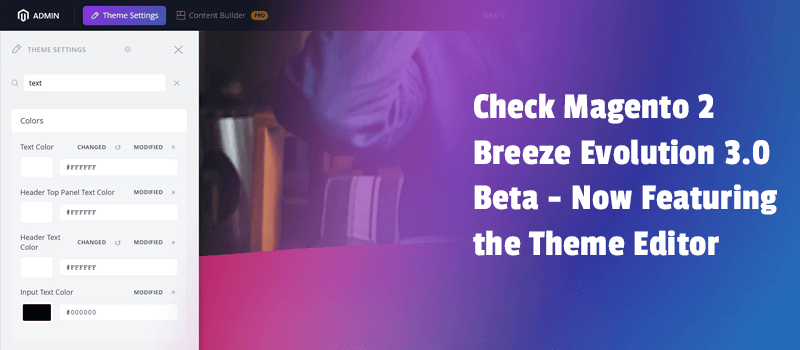
Happy to present the newest version of the Breeze Evolution theme. Designed for Magento, it continues to support the idea of the fastest front and deliver one of the fastest Magento 2 themes available today. Therefore, Breeze Evolution 3.0 beta is ready for testing. Most importantly, the theme introduces a powerful new feature: the theme editor.
We’ve always been thinking about how to make life easier for Magento 2 store owners. Now Breeze Evolution 3.0 comes with a tool built to help you easily edit styles and the general look of your store. Best things it’s free. If you’re ready to get the most out of the template, review the details below.
Customize your store more easily
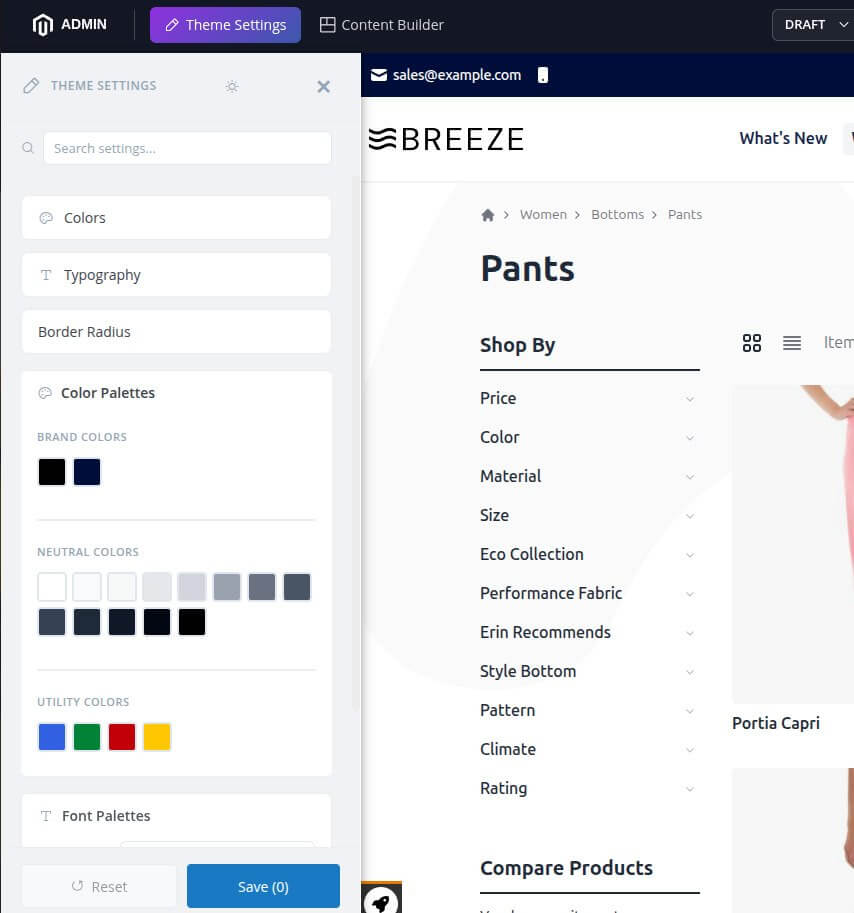
With the 3.0 release, we focus on making your workflow easier and faster. The new Theme Editor is designed to simplify how you customize your store. Right now, you can adjust colors and typography elements in a clear and user-friendly way without spending hours as before.
You can see changes instantly without a page reload and test changes before making them live. One more great thing is that you can choose different settings per store view.

For store owners, this means more control without needing strong technical skills. For developers, it reduces manual work and speeds up project delivery. As a result, it became possible to manage stores faster and save time for other tasks. Sounds great, doesn’t it?
Let’s summarise the main advantages of the theme editor:
Theme Editor for Users
The theme editor is built to make store management simple and fast. It helps users take control. Key benefits include:
- Quick style changes without code.
- Real-time preview of updates.
- Easy color and font adjustments. 16 field types are supported: colors, fonts, toggles, images, spacing, repeaters, and more.
- Control over the process without technical knowledge.
Theme Editor for Developers
- Faster design testing.
- Less repetitive coding tasks.
- Easier collaboration with clients.
- Faster delivery of updates for the store.
Ready to add Theme Editor support to your Breeze theme? Use the guide.
Looking ahead, we will continue to enhance the theme editor. With every new release, more features and improvements will be added.
In conclusion
Currently, the Breeze Evolution 3.0 is for customers who want a faster, easier, and more flexible Magento experience. Furthermore, the added theme editor makes customization simple, saves time, and offers benefits to both users and developers.
Now it’s your turn to take the next step: try out the Breeze Evolution theme's newest version and see what you can achieve with it.
We’d also love to hear from you. What do you think about the Breeze themes? Are you planning to use the new theme editor? Share your thoughts in the comments.