

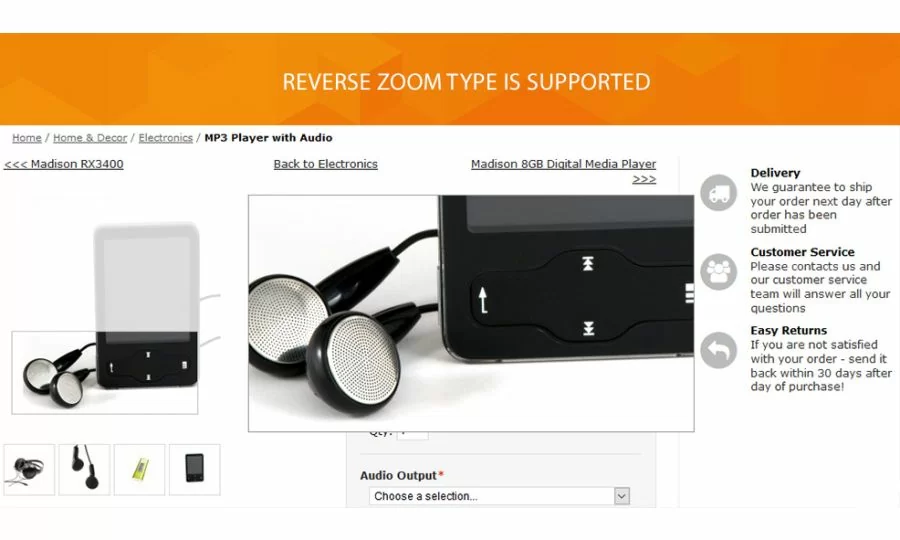
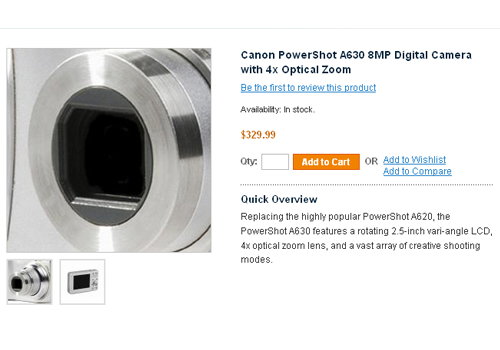
Thinking about improvement in usability of your website. Start with zooming tool. We came up with a solution that will help visitors evaluate your products thoroughly. We offer to replace standard Magento zoom with flexible javascript zoom widget. Our ProZoom extension improves the visual perception of products by letting users get the view angle of each product detail. Moving the mouse cursor over image your customers will view the product in the most attractive way.
ProZoom module comes with 3 pro zoom types and image preload option. The extension is absolutely configurable through the admin panel. You can set the lens behavior, modify an effect, etc. The module is based on prototype library, so no need for the javascript library.
Extension approved on Magento Marketplace
- Free installation
- Activate up to 10 times
- All extensions $79
- Approved on Magento Marketplace
Magento Open Source Compatibility
CE 1.9.4.5
Adobe Commerce Compatibility
Adobe Commerce 2.4.9
Installation instructions and manuals
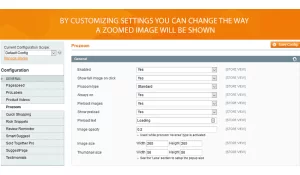
Magnify the product image with general zoom options
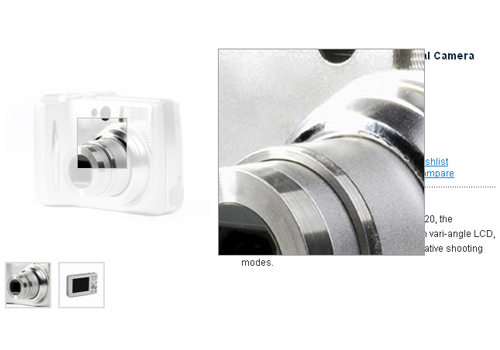
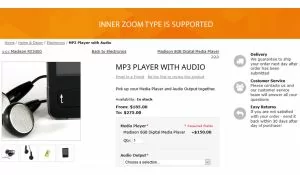
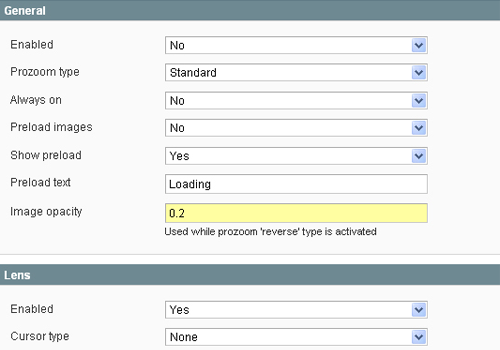
Through admin interface, you can enable the display of a full-screen image in one click. Allow your customers view the image in full size. Three prozoom types are available: standard, reverse and inner zoom. When you select the reverse type you are also allowed to set an image opacity. If you’re running a store with many high-quality images you can enable image preload feature. You can also show the loading while image loads. The image, as well as the thumbnail sizes, are completely configurable.
Change the look of lens over the image in the zoom
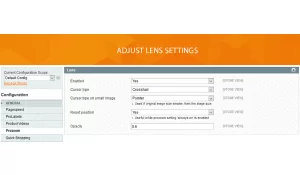
Three cursor types are available to be set. The arrow cursor type is used, as usual, however, you can set the cursor to pointer or crosshair. If the original image size is smaller than the stage size, we offer to enable cursor type on the small image. In order to make the lens see through you can specify the opacity in the admin panel.
Vary the image representation with stage settings
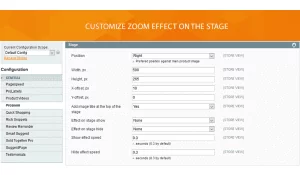
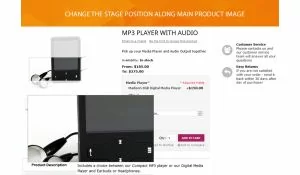
ProZoom configuration allows you to choose right, left, top and bottom position of the stage for zoom referred to the main product image. You are allowed to add image title at the top of the stage. You can also change the following settings: width, height, X-offset, and Y-offset. To customize zoom effect on the stage, you can change the fading value and set the effect speed in seconds.
Prozoom 1.3.2
5th November 2016- Improved image swapping, when clicking on colorswatch label
Prozoom 1.3.1.2
23th February 2016- Retina optimised
- Multiply bugs fixes
- Fixed popup size recalculation for the next/prev image
- Magento 1.9.1 ConfigurableSwatches integration added
- Added fade effects to the next/prev oprations
- Fixed popup size calculation in Internet Explorer
Write Your Own Review