

The ability to login with a social network account is highly appreciated by customers. It is easy for people to use already created login credentials instead of making up a new username and password, and remember it.
Using existing login information from social network providers is a proven way to enhance a user experience. That maximizes the user adoption at your website.
To make this opportunity available to your Magento 2 store, start using Social Login extension. It was designed to help your visitors' login or register on a website using social accounts from Facebook, Google or Twitter.
The module will help you to:
- simplify the login of users having a number of social accounts
- simplify the registration process for new users
- make a signup fast
- increase account creation rates
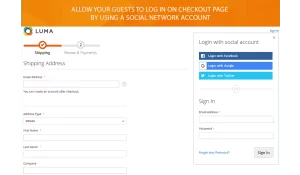
- avoid possible friction during checkout
- prevent fake account in case of registration through social media accounts.
Social suite demo site:
- Free installation
- Activate up to 10 times
- All extensions $79
- Approved on Magento Marketplace
Magento Open Source Compatibility
Magento Community 2.4.9, Magento Community 2.4.8, Magento Community 2.4.7, Magento Community 2.4.6, Magento Community 2.4.5, Magento Community 2.4.4
Adobe Commerce Compatibility
Adobe Commerce 2.4.9, Adobe Commerce 2.4.6, Adobe Commerce 2.4.5, Adobe Commerce 2.4.8, Adobe Commerce 2.4.7
Installation instructions and manuals
One-click login
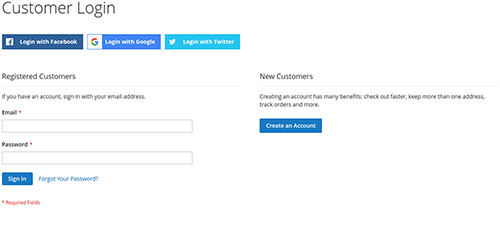
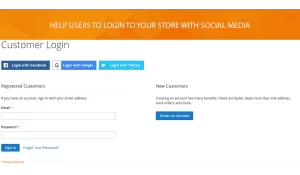
Once you enable a Social Login extension, you have got an opportunity to display login buttons on selected pages. Just choose a customer login page in drop-down list and let your customers easily login into an existing account via a social network. Most users have either Facebook, Twitter or Google accounts. The popular social media will enhance the feeling of comfort.
Fast and successful registration
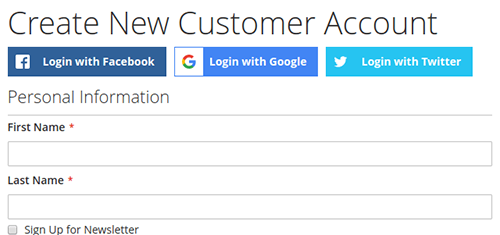
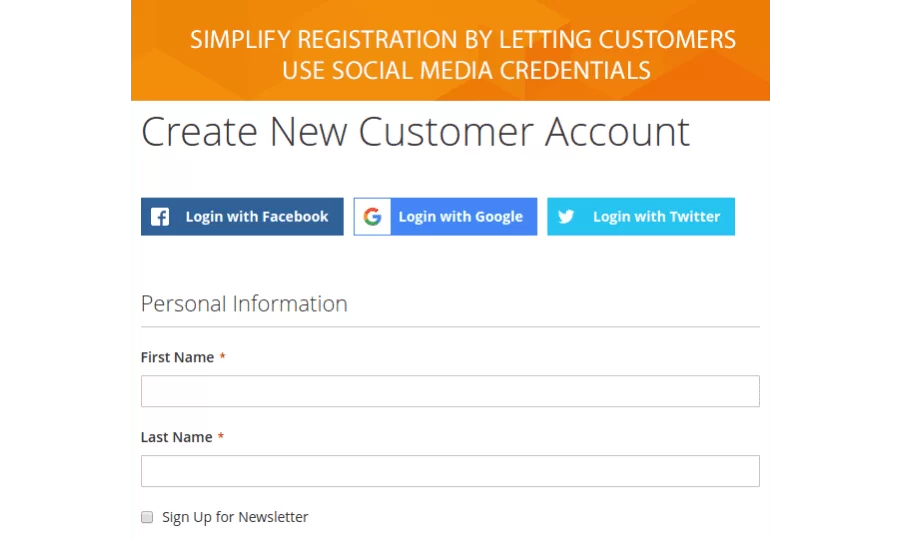
Use Social Login module for easy customer sign up via established social media accounts. When users don’t have to create new usernames and passwords, they are more likely to register. The extension allows showing social media buttons when creating a new customer account. Both Facebook and Twitter media create an additional point of trust to register.
Easy integration
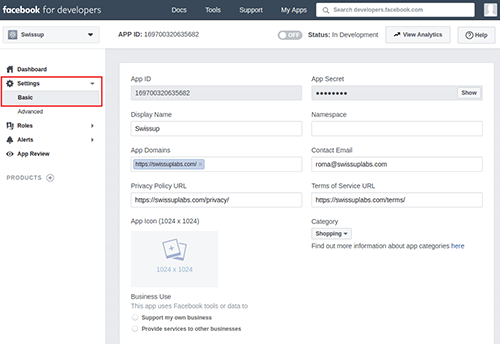
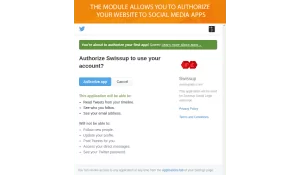
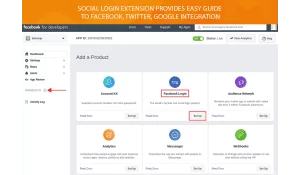
Magento 2 Social Login module includes a Social Application configuration that will help you to create and configure Facebook, Twitter and Google social media to use at your store pages. You can use a step-by-step guide to easily connect the users' social media accounts to your website.
Social networks configuration
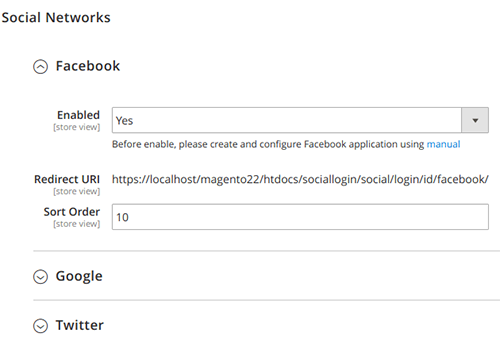
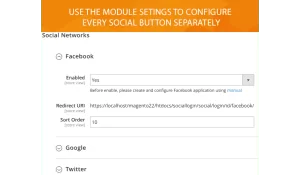
Social Login module provides easy to set up configuration settings for every social network separately. With the extension, you can enable or disable the ability to login with a social media. You get a callback URL for social applications. You can also change a sort order for the display of each social button.
Social Login 1.1.11
9th April 2025- PHP 8.4 support added.
- Magento 2.4.8 support added.
Social Login 1.1.7
30th December 2022- Fixed missing login buttons on checkout on Magento 2.4.5
- Added check for customer-data (fixes error on Breeze)
Social Login 1.1.5
30th January 2022- Breeze Theme integration added
Social Login 1.1.4
10th January 2022- Moved module configuration to Swissup submenu
Social Login 1.1.3
14th October 2020- Styles fixed
Social Login 1.1.2
17th February 2020- Marketplace data added
Social Login 1.1.0
12th August 2019- Using stable Hybridauth version
- Fixed empty customer data after login with social account
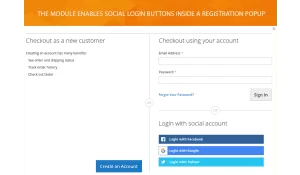
- Added social login to registration popup
- Social buttons now displayed horizontally to take less space
- Extension styles can be changed in theme Customization
- New Google login button style (replace deprecated Google Plus login)
Social Login 1.0.0
26th November 2018- Initial extension release.
Write Your Own Review